
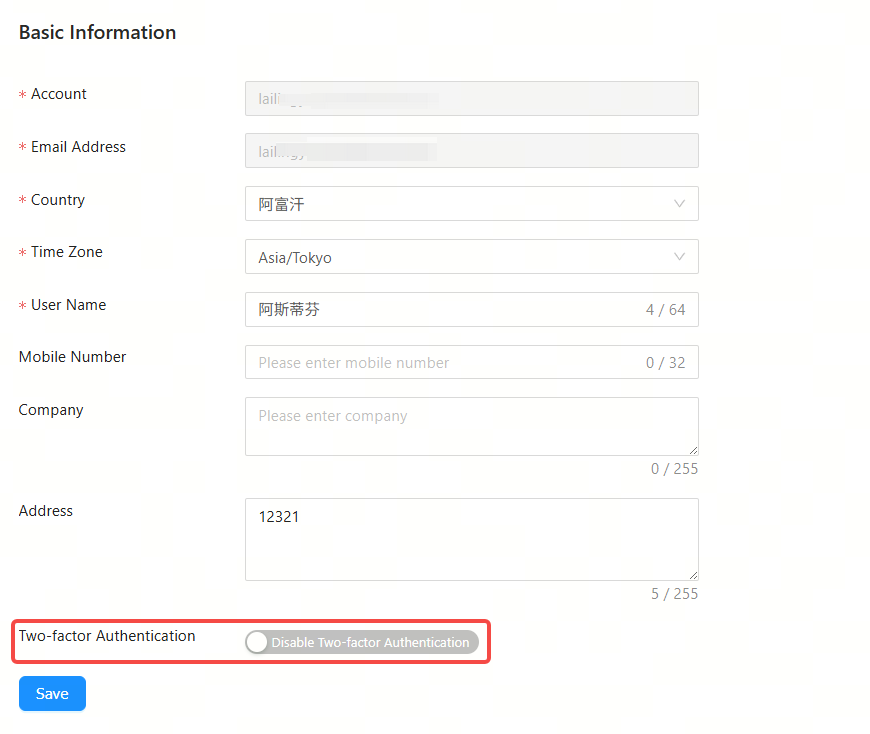
Follow the steps below to modify the basic information of an account. The account name and registered email address cannot be changed.
Step 1: Click Account to enter the modification interface.

Step 2: You can modify the country, time zone, full name, mobile phone number, company name and address of your account. Also, you can enable or disable the two-factor authentication. After modifying as needed, click Save.
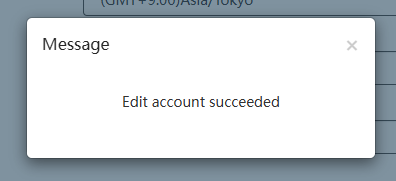
Step 3: After the "Edit account succeeded" prompt appears, click X to close the prompt box and complete the modification.
全部评论